

Model: 47266
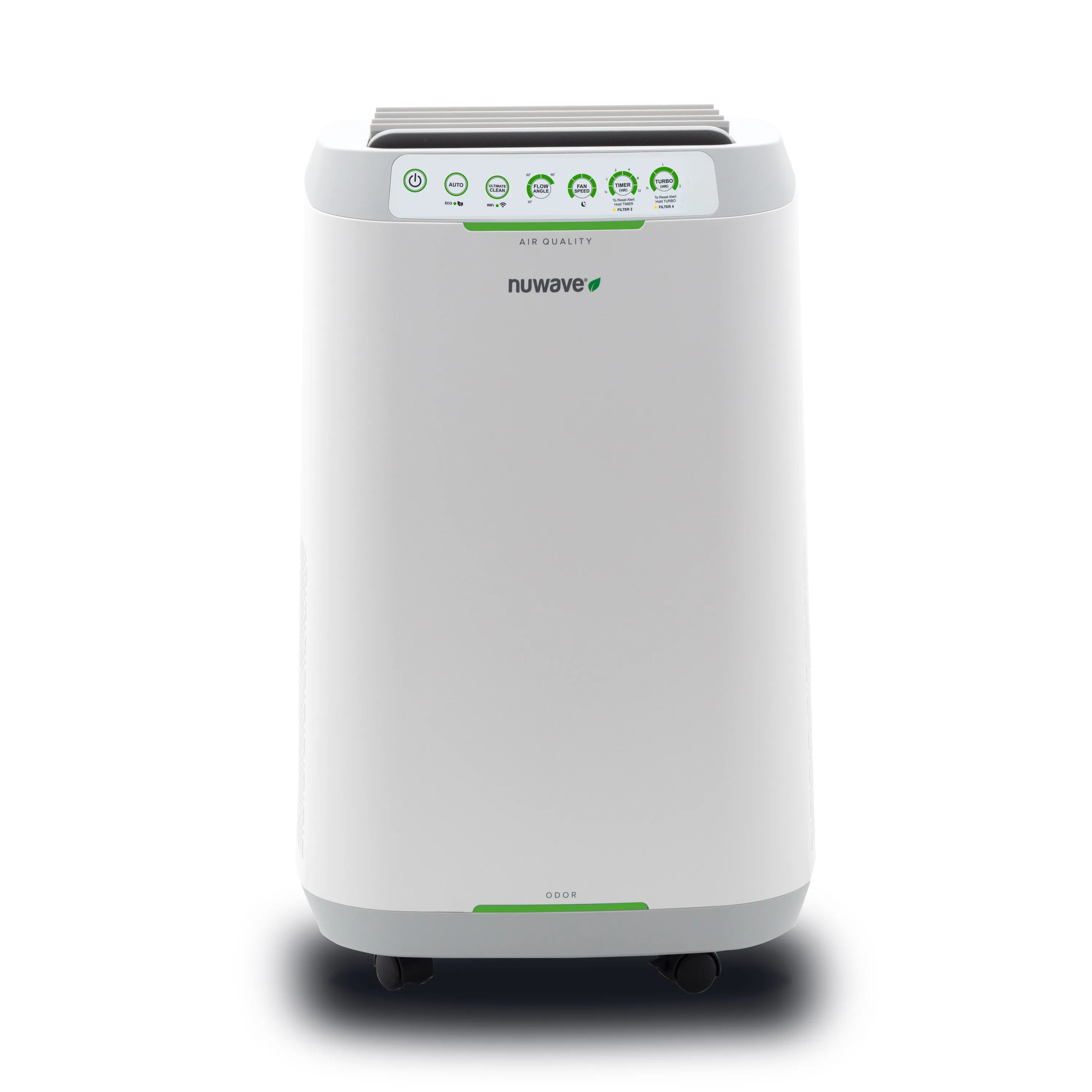
Nuwave Forever Smart Air Purifier
Transform your home into a sanctuary of fresh, clean air that energizes your senses.
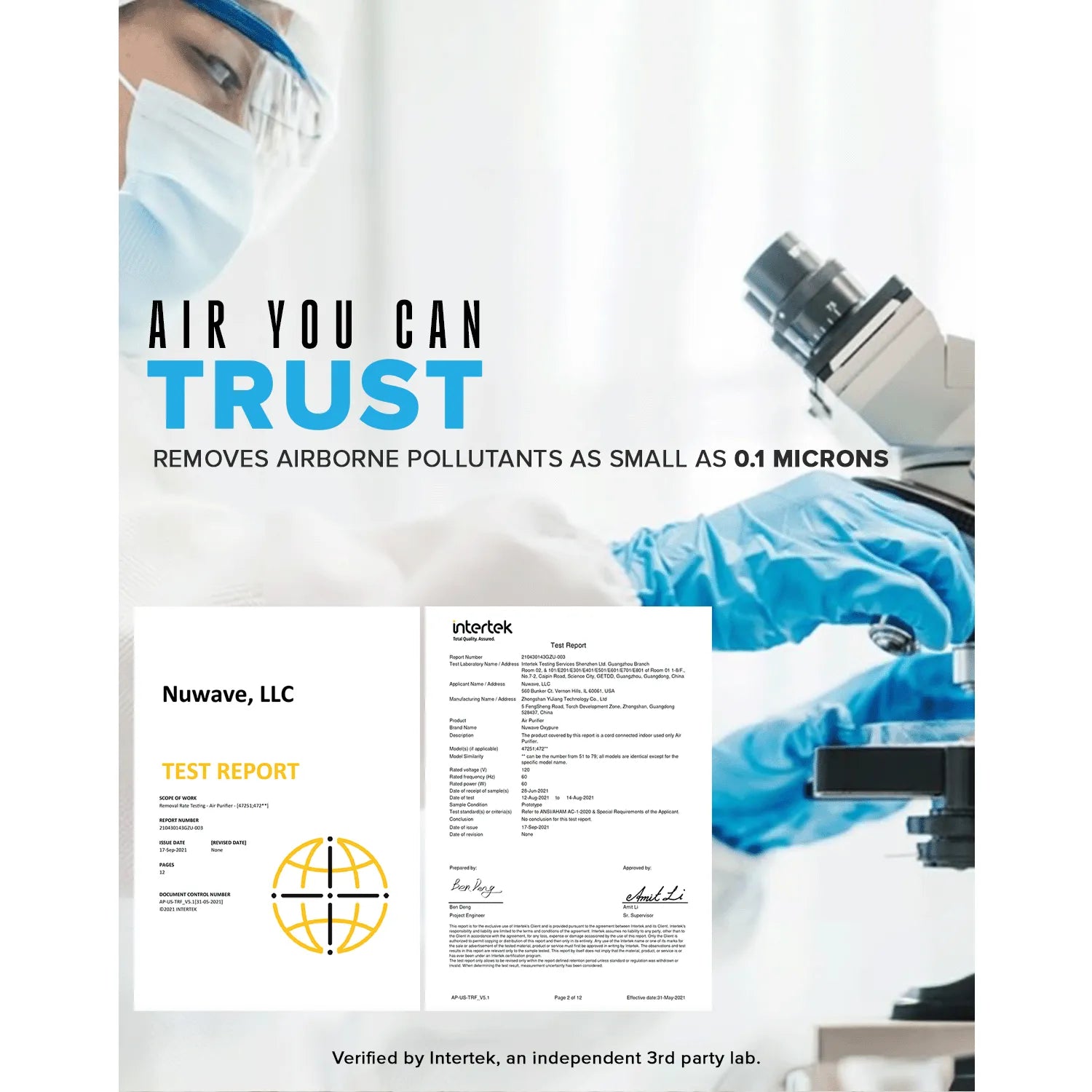
- Air You Can Trust - Intertek Lab test results prove Forever removes harmful airborne particle pollutants as small as 0.1 microns including dust, pollen, formaldehyde and more.
- True Peace of Mind - The Forever traps even the smallest of pollutants in the air, removing up to 99.99% of airborne H3N2 influenza virus and 99.98% of airborne E. coli bacteria.
- Breathe Easy with Ozone-Free Air - The Nuwave® Forever reduces ozone concentration from the air to under 1 part per billion.
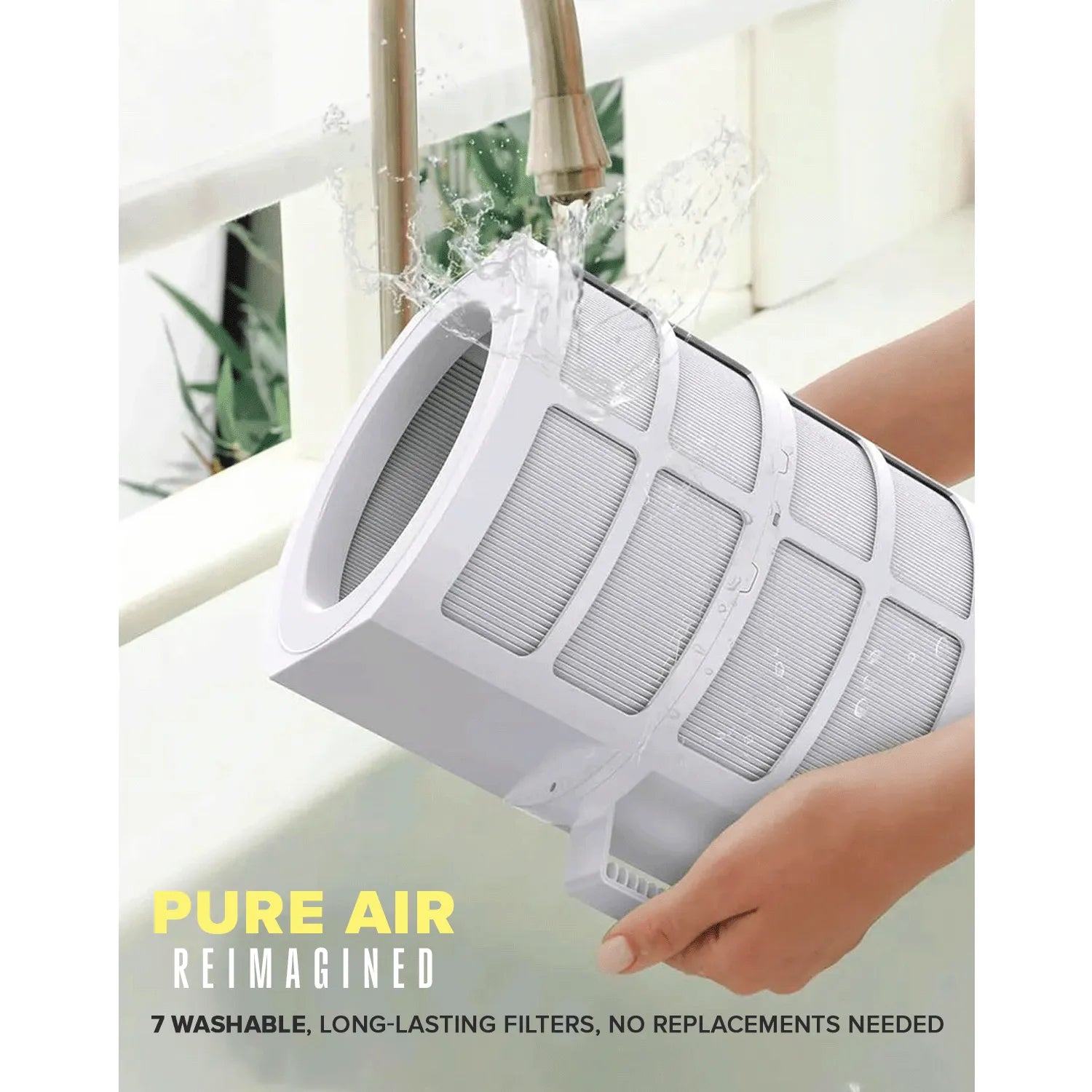
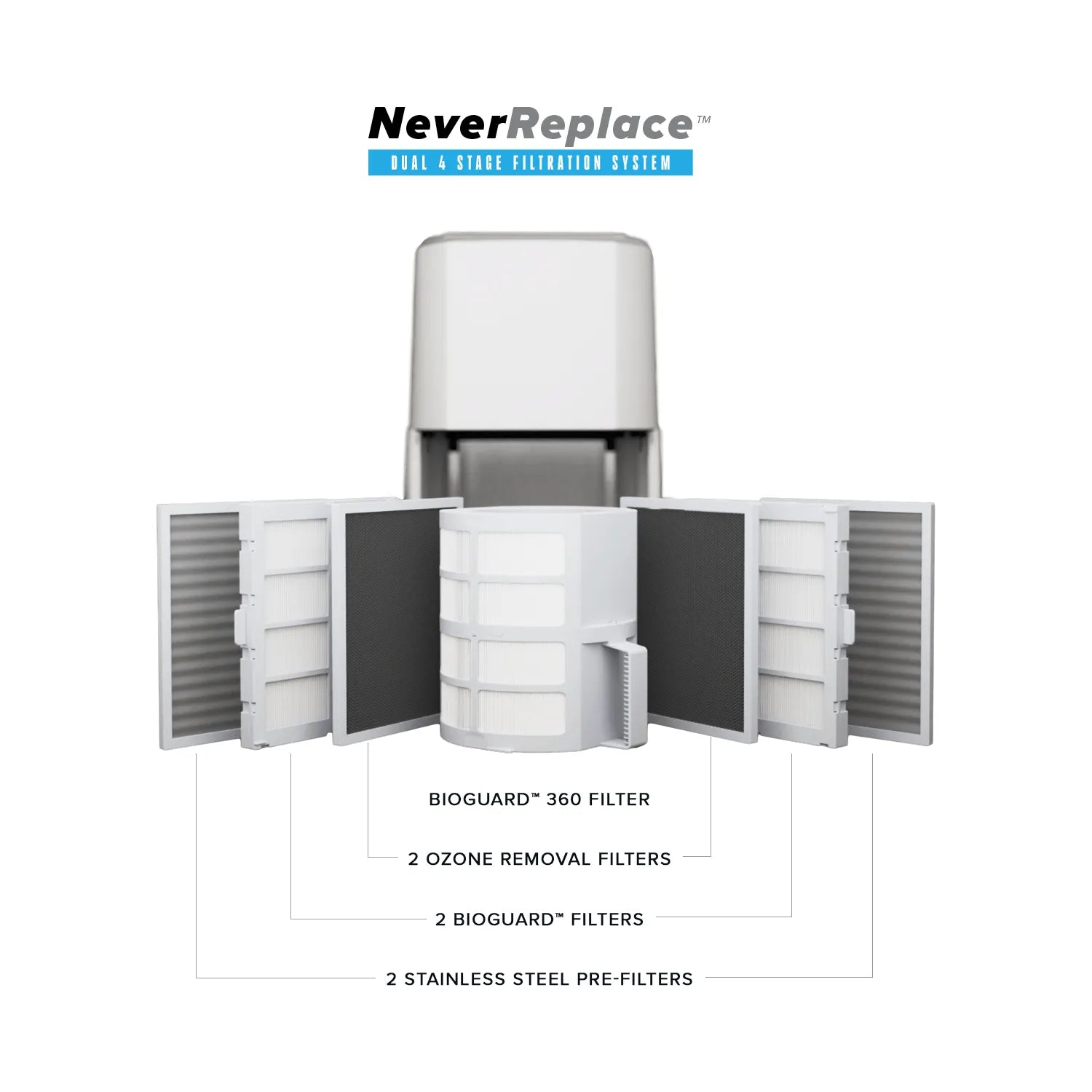
- Pure Air Reimagined - Forever's Dual 4-Stage Filtration utilizes 7 durable, long-lasting filters that are washable and reusable, providing ultimate protection while saving money and the environment.
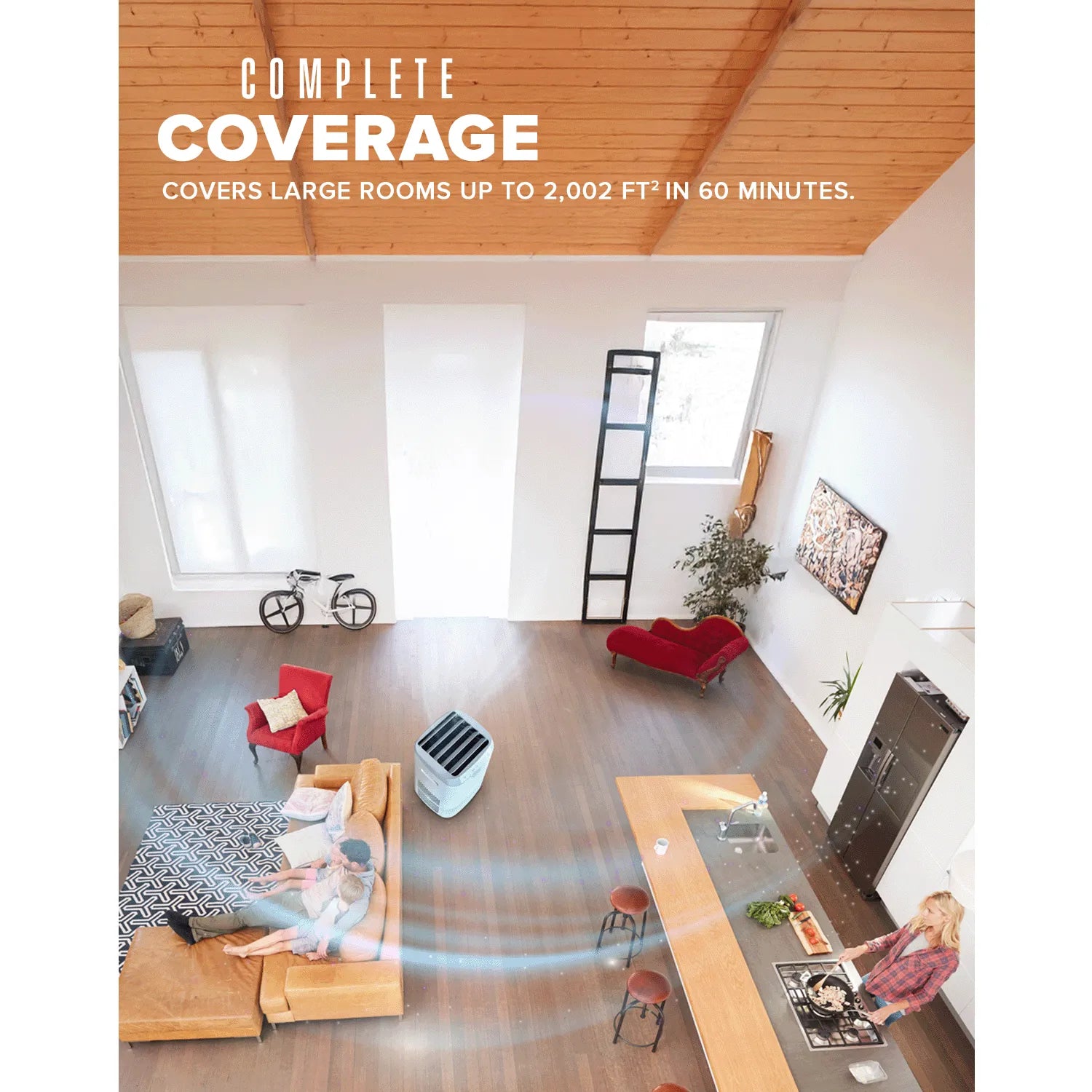
- Whole Home Coverage - The Forever Smart Air Purifier is ideal for large and small spaces and any size in between. It can purify up to 2,002 sq. ft. in just 1 hour.
- Custom Comfort, Your Way - Forever has 5 convenient operating modes to personalize fresh air delivery to suit your needs.
- Smart Sensors for Effortless Air Quality - Forever has 2 built-in smart sensors that automatically adjust for freshest air without the hassle.
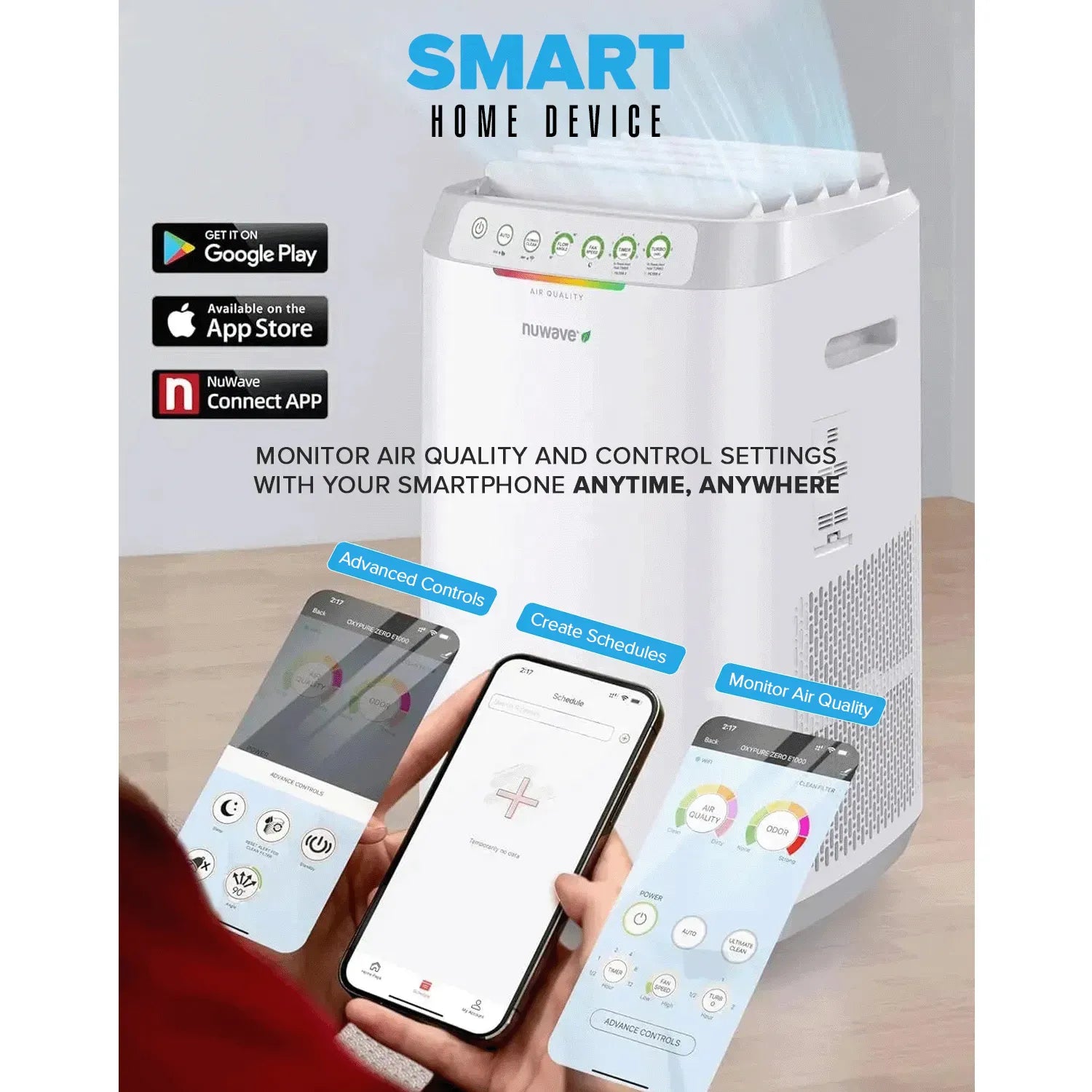
- Smart Home Device - Forever is Wi-Fi enabled. You can monitor the air quality and control the settings on your smartphone anytime, anywhere.
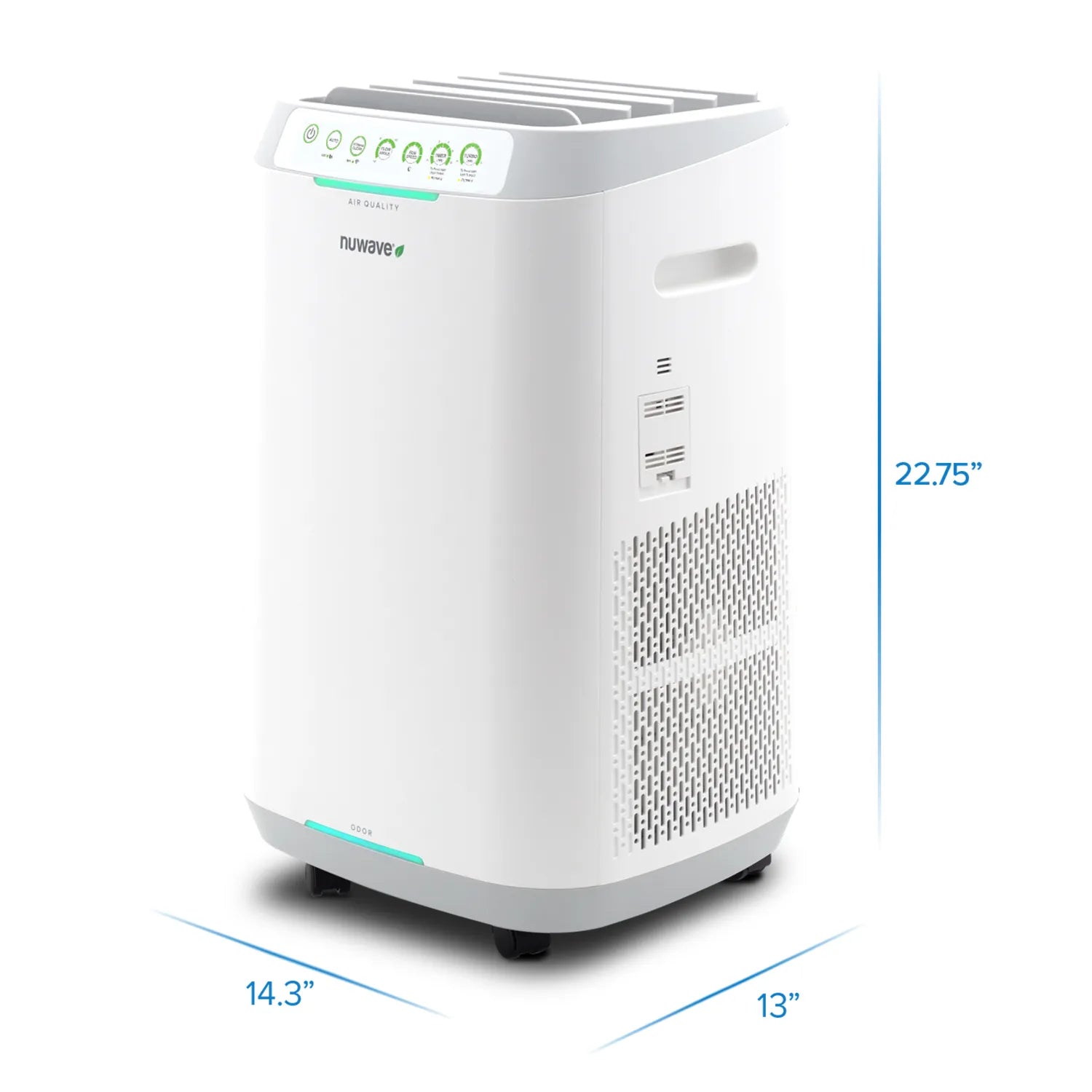
| Dimensions | 14.30" (L) x 13.00" (W) x 22.75" (H) |
|---|---|
| Weight | 21.60 LBS |
| Voltage | 120 V |
| Wattage | 60 W |
| WiFi | Compatible with both 2.4Gz & 5 Gz wifi connection |
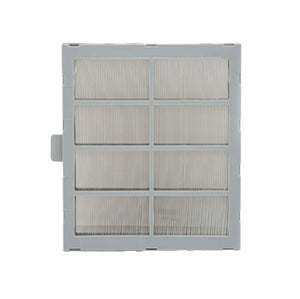
2 Bio-Guard Filters

2 Ozone Emission Removal Filters
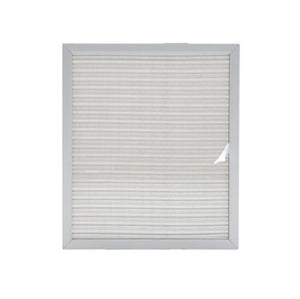
2 Stainless Steel Pre-Filters
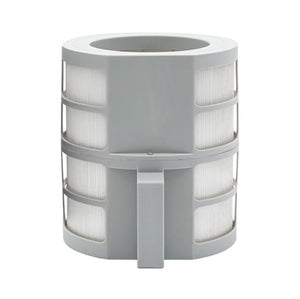
1 Bio-Guard 360 Filter
Click here to view Test & Performance Data
This appliance includes a 1-year manufacturer's warranty with VIP warranty service
Click here to view FAQ


Test & Performance Data
1. Virus – Intertek Testing Services
The Forever has been rigorously tested to eliminate 99.99% of H3N2 influenza virus in just 1 hour.
Download Report2. Bacteria and Mold – Intertek Testing Services
In 2 hours the Nuwave Forever Smart Air Purifier removes over 99.9% of Staphylococcus Bacteria, Escherichia Coli Bacteria, and Aspergillus Niger Mold.
Download Report3. Dust, Smoke, and Pollen – Intertek Testing Services
The Nuwave Forever Removes 100% of Airborne Dust, Smoke, and Pollen in 50 minutes or less.
Download Report4. Formaldehyde – Intertek Testing Services
The Nuwave Forever Eliminates 96.9% of Formaldehyde in the air in 2 hours.
Download Report5. Ozone Emissions – Intertek Testing Services
The Forever eliminates toxic ozone in the air to less than 1 part per billion (ppb), meeting the stringent California ozone emissions limit and 70 times less than the EPA’s standards of 70ppb.
Download Report6. Negative Ions – Intertek Testing Services
The Nuwave Forever has been designed to keep any anions generated inside of the unit so your home can maintain a safe, natural anion level.
Download ReportReviews
FAQ
What do the Nuwave filters capture?
- Stainless Steel Pre-Filters: Two rust-free filters designed to capture large particles and allergens such as dust, pollen, smoke, and pet dander.
- Bio-Guard Filters: Two patented filters that trap tiny airborne particles, including micro-pollutants, car emissions, VOCs, and more.
- Ozone Removal Filters: Two filters that effectively remove formaldehyde and harmful ozone from your indoor air.
- Bio-Guard 360 Filter: A single advanced filter using electrostatic precipitation (ESP) technology to trap particles as small as 0.1 microns.
How do I clean my Forever Smart Air Purifier?
-
Prepare for cleaning:
- Set the vent angle to 90 degrees and unplug the Forever before cleaning.
- Always wear a mask and rubber gloves for safety.
-
Clean or replace filters:
-
Open the filter slot cover and remove the filters that require cleaning or replacement.
-
Stainless-Steel Pre-Filter:
- Remove dust or lint with a paper towel or vacuum.
- If there is excess dust, wash with warm, soapy water, rinse thoroughly, and let it air dry completely before reinstalling.
-
Ozone Filter:
- Clean with a vacuum or dry cloth, wiping debris directly into a waste bag. Do not get the Ozone Filter wet.
-
Bio-Guard Filters:
- Wet the filter first then spray with a mild detergent and let it sit for 2–3 minutes.
- Shake off excess detergent and submerge the filter in warm water, then shake clean. Repeat until the water runs clear. Rinse thoroughly with warm water and allow filter to air dry completely before reinstalling.
-
Stainless-Steel Pre-Filter:
-
Open the filter slot cover and remove the filters that require cleaning or replacement.
-
Clean the shutters:
- Wipe the shutters on the vents at the top of the unit carefully with a damp cloth.
-
Clean the air quality and dust sensors:
- Remove the cover on the dust and odor sensor located on the right side of the unit.
- Vacuum the sensors or wipe clean with a clean cloth or unscented duster.
- Clean the inside of the dust sensor with a cotton swab. If there is heavy buildup, use a moistened swab followed by a dry swab.
-
Clean the air intake and fan unit:
- Remove all filters.
- Use the brush attachment of a vacuum cleaner to clean the intakes on both sides of the filter housing both inside and out along with the fan unit. Alternatively, use a clean cloth or an unscented duster.
What are the benefits of having an air purifier?
The EPA has found that indoor air quality can be up to five times worse than air outdoors. An air purifier improves air quality by removing airborne pollutants such as dust, pollen, smoke, and other harmful airborne particles.
The Nuwave Forever Smart Air Purifier stands out by:
- Eliminating 100% of dust, pollen, and smoke in less than 50 minutes.
- Reducing airborne E.coli and Staph bacteria, H3N2 influenza virus, and Aspergillus niger mold by over 99.9% in 2 hours.
What are the operating modes?
- Auto Mode: Monitors air quality using dual sensors and automatically adjusts fan speed for optimal purification.
- Eco Mode: Activates Auto Mode when air quality is poor and switches to standby once good air quality is restored, saving energy.
- Ultimate Clean Mode: Runs continuously at Speed 1, increasing to Speed 6 when poor air quality is detected, and returning to Speed 1 when conditions improve.
- Sleep Mode: Turns off indicator lights and adjusts fan speed to maintain air quality with minimal noise, ideal for nighttime use.
- Turbo Mode: Operates at maximum speed for quick purification with a timer option (shuts off after the timer ends).
How do I connect my unit to my Wi-Fi network?
Connect the Nuwave Forever to your home Wi-Fi network using Auto Scan Mode
- Ensure your phone is connected to Wi-Fi (2.4GHz) and Bluetooth is on.
- Turn on the unit and activate Wi-Fi Pairing Mode by pressing and holding ULTIMATE CLEAN until the Wi-Fi light blinks rapidly.
- Open the Nuwave® Connect app, tap the + symbol, select Auto Scan, and choose your device.
- Enter your Wi-Fi password and confirm. The app will show “Added Successfully” if the connection is successful.