
50W







Model: 45201B
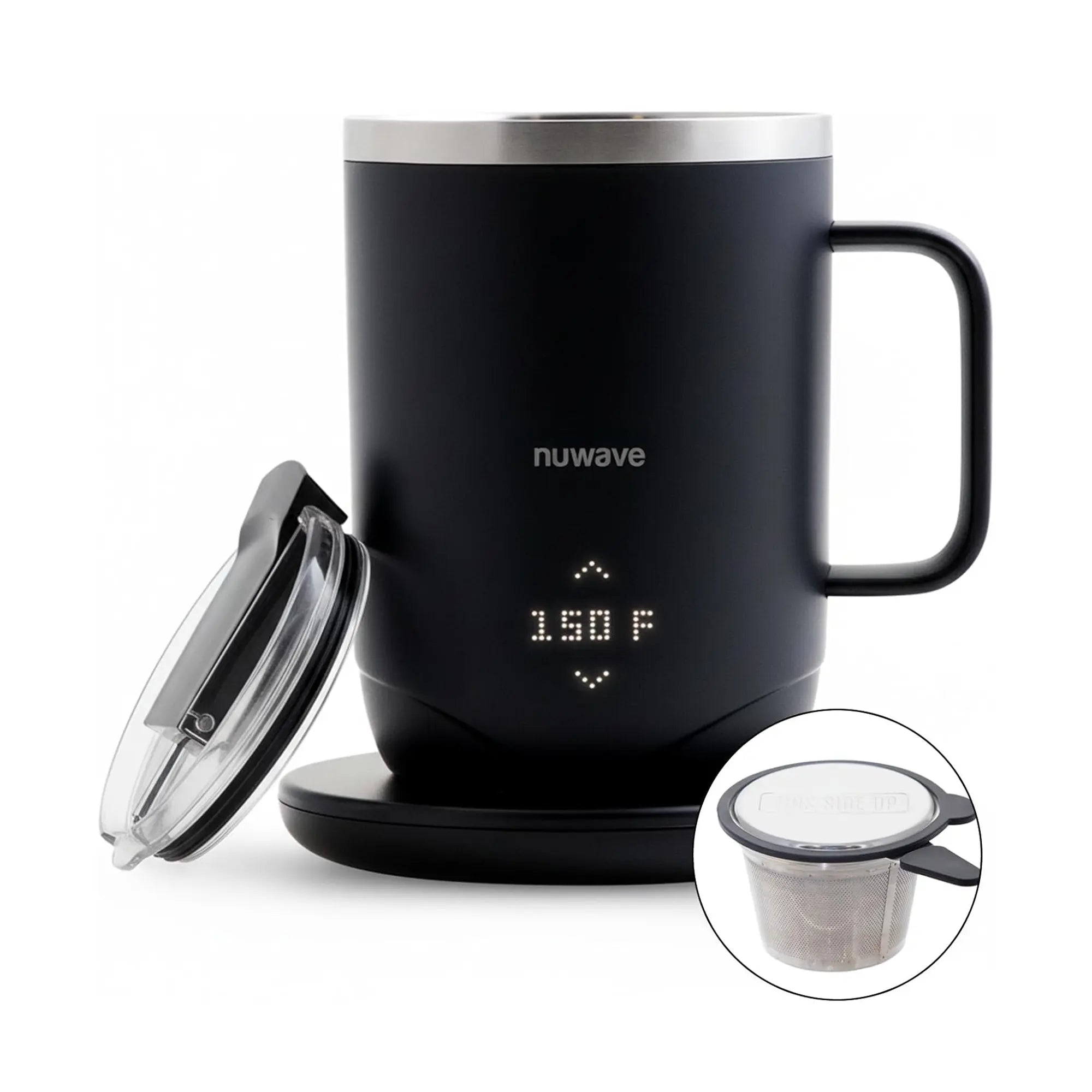
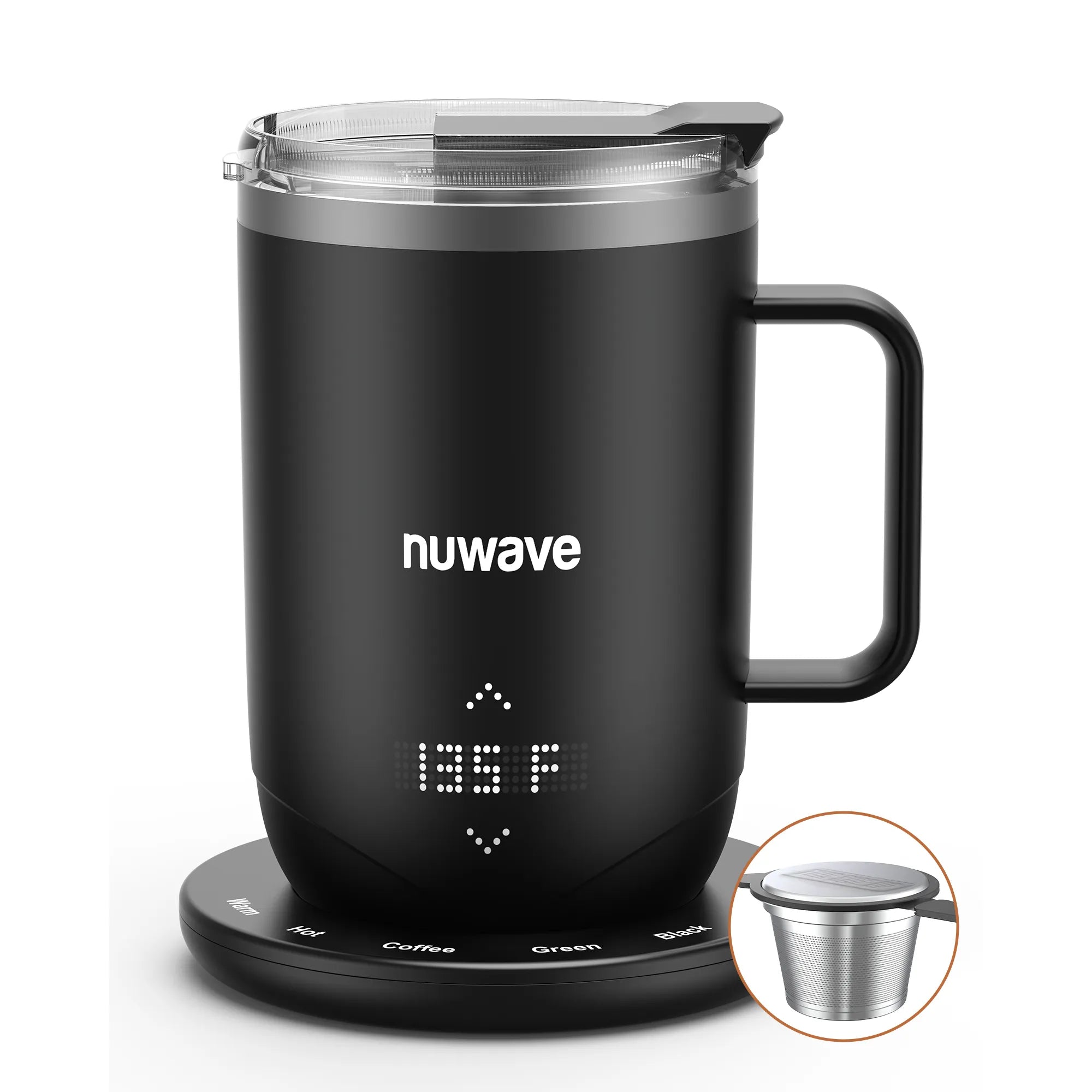
Nuwave Smart Mug
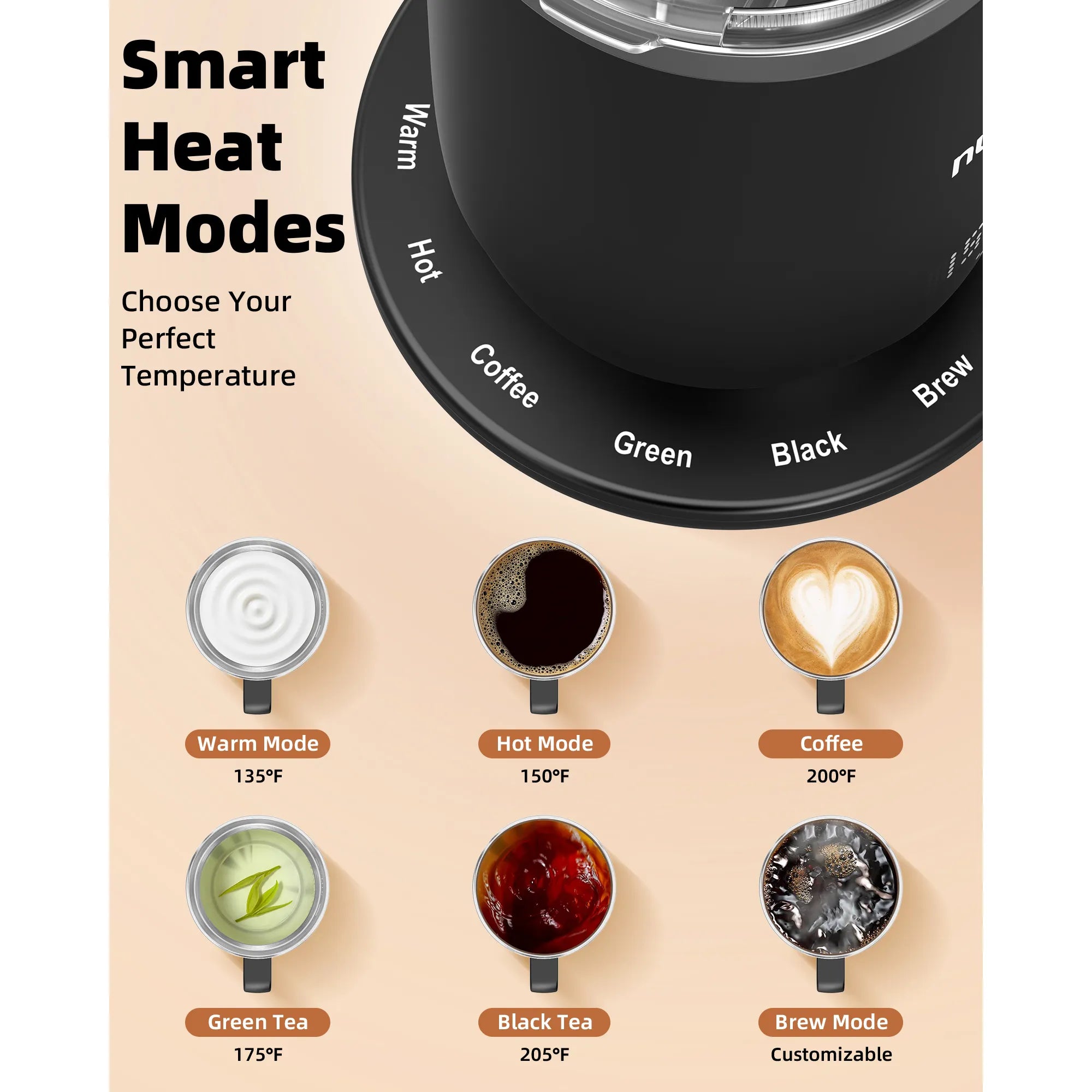
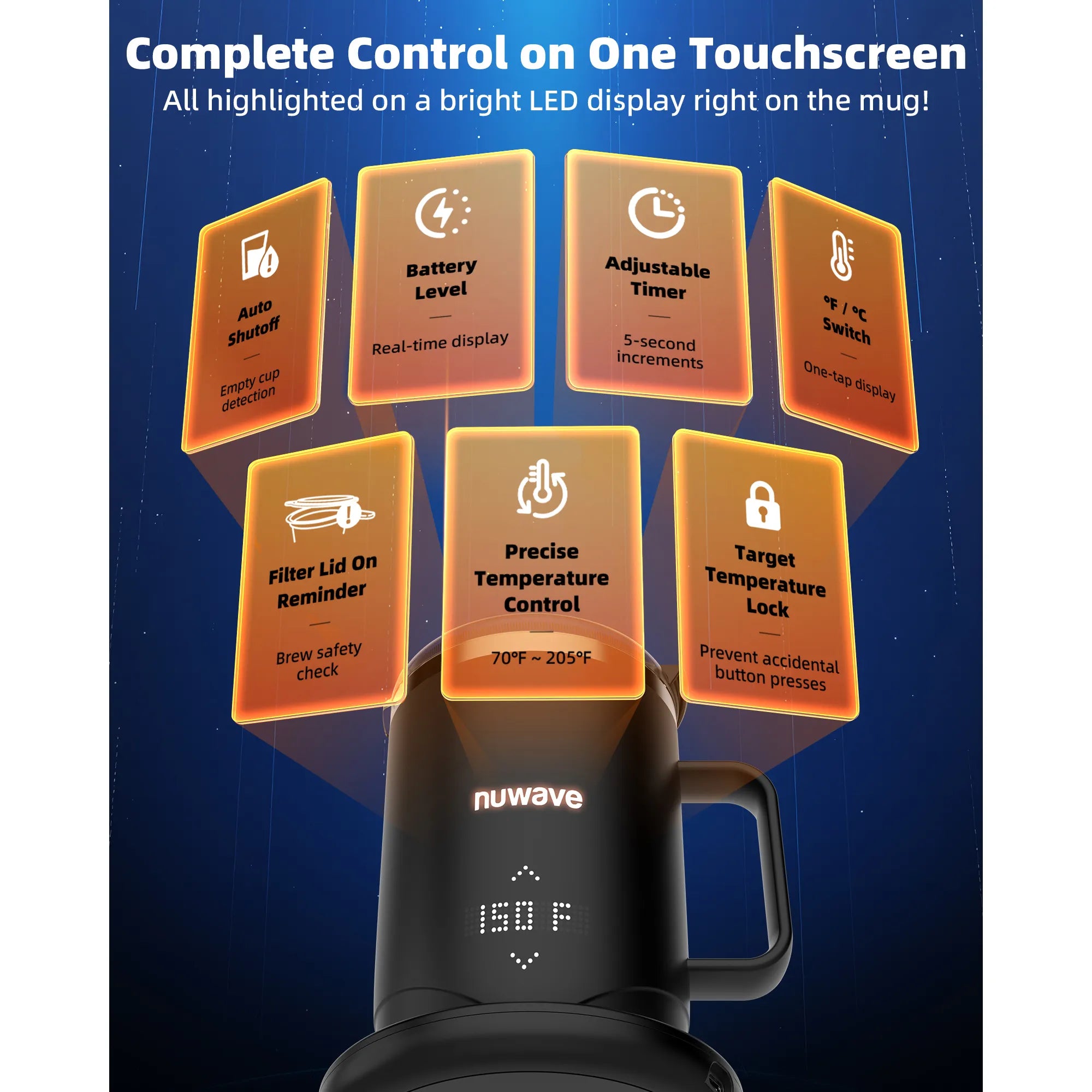
- Precision Temperature Control - Adjust your drinking or brewing temperature from 70 °F to 205 °F in precise 1 °F increments, so every sip is exactly how you like it from the first pour to the last sip.
- Immersion Brewing Built-In - Brew coffee or tea directly in the mug using dedicated preset coffee, black and green tea modes and a dedicated brew function that unlocks rich flavors and deeper aroma without any extra equipment.
- 5+ Hours of Cordless Heat - Enjoy the perfect sip at the perfect temperature for hours on end. Whether you’re in long meetings, on the go, or easing into your morning routine, your last sip will be just as hot as the first.
- Premium Stainless-Steel Interior - An 18/10 stainless steel interior with double-wall vacuum insulation locks in heat, preserves flavor integrity, and ensures all of your drinks taste pure and clean.
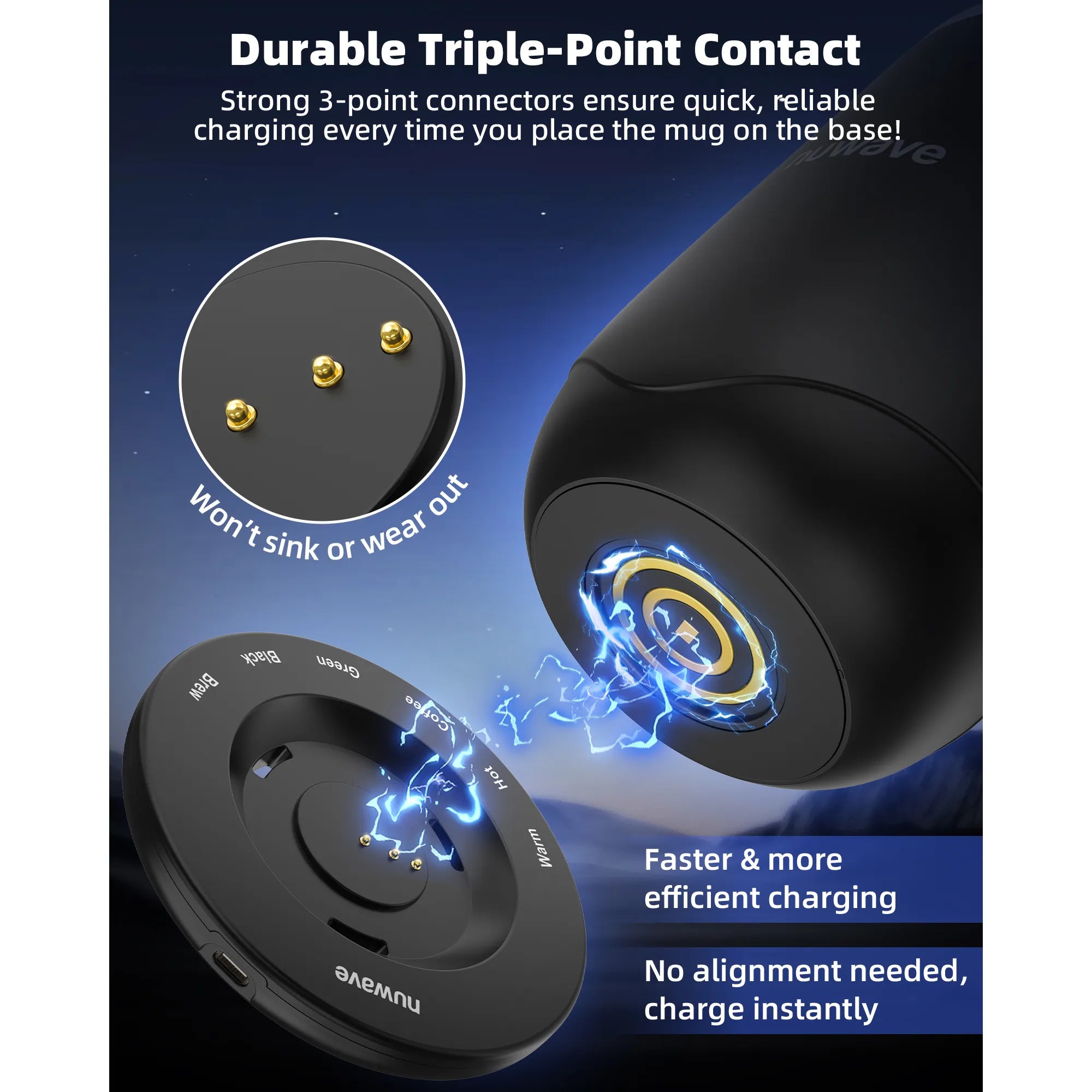
- Thoughtfully Engineered Design - IPX7 waterproofing, a secure three-point charging system, BPA-free Tritan lid, and a durable exterior come together for a mug built to elevate ordinary mornings into something truly special.
| Mug (without lid & handle) | 3.69" (W) x 5.44" (H) |
|---|---|
| Mug (without lid & with handle) | 4.94" (W) x 5.44" (H) |
| Mug (interior) | 3.47" (L) x 3.47" (W) x 3.63" (H) |
| Base | 4.63" (W) x .63" (H) |
| Lid | 4" (W) x .88" (H) |
| Capacity | 14 OZ |
| Weight (without lid) | 1.3 lbs |
| Material | Stainless steel |

Mug

BPA-Free Tritan Lid

Fast USB Charging Base

Stainless Steel Filter & Filter Lid

Power Adapter

USB-C Cable
This appliance includes a 1-year manufacturer's warranty with VIP warranty service
Click here to view FAQ
Nuwave Smart Mug
Sale price$154.99
Nuwave Smart Mug Overview
No More Guesswork
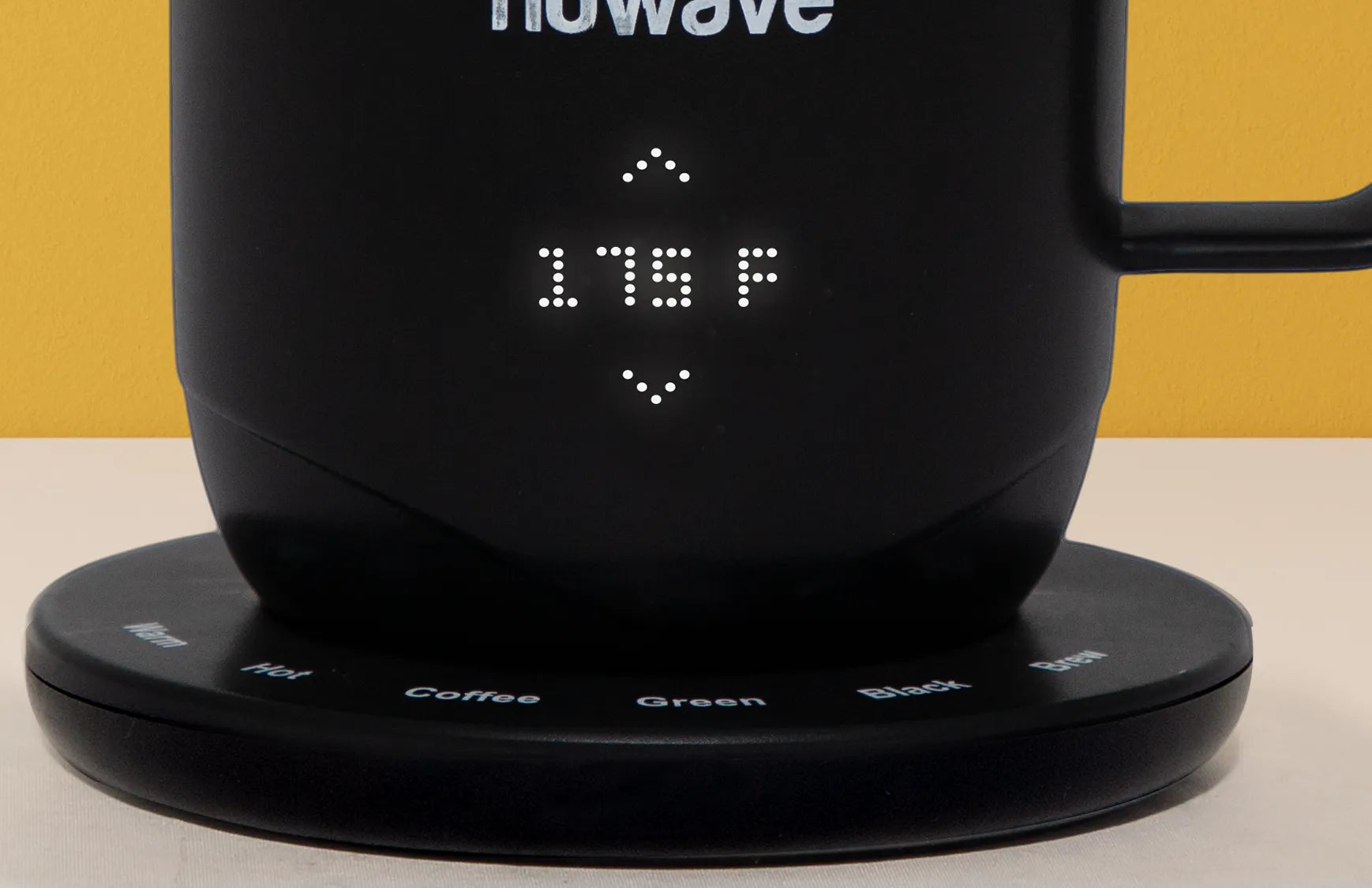
With precise 1°F control, the Nuwave Smart Mug lets you fine-tune every sip, from a cool 70°F up to 205°F when brewing or anything in between. It’s designed for those who know that perfection lives in the details.
Smart Brewing Starts Here
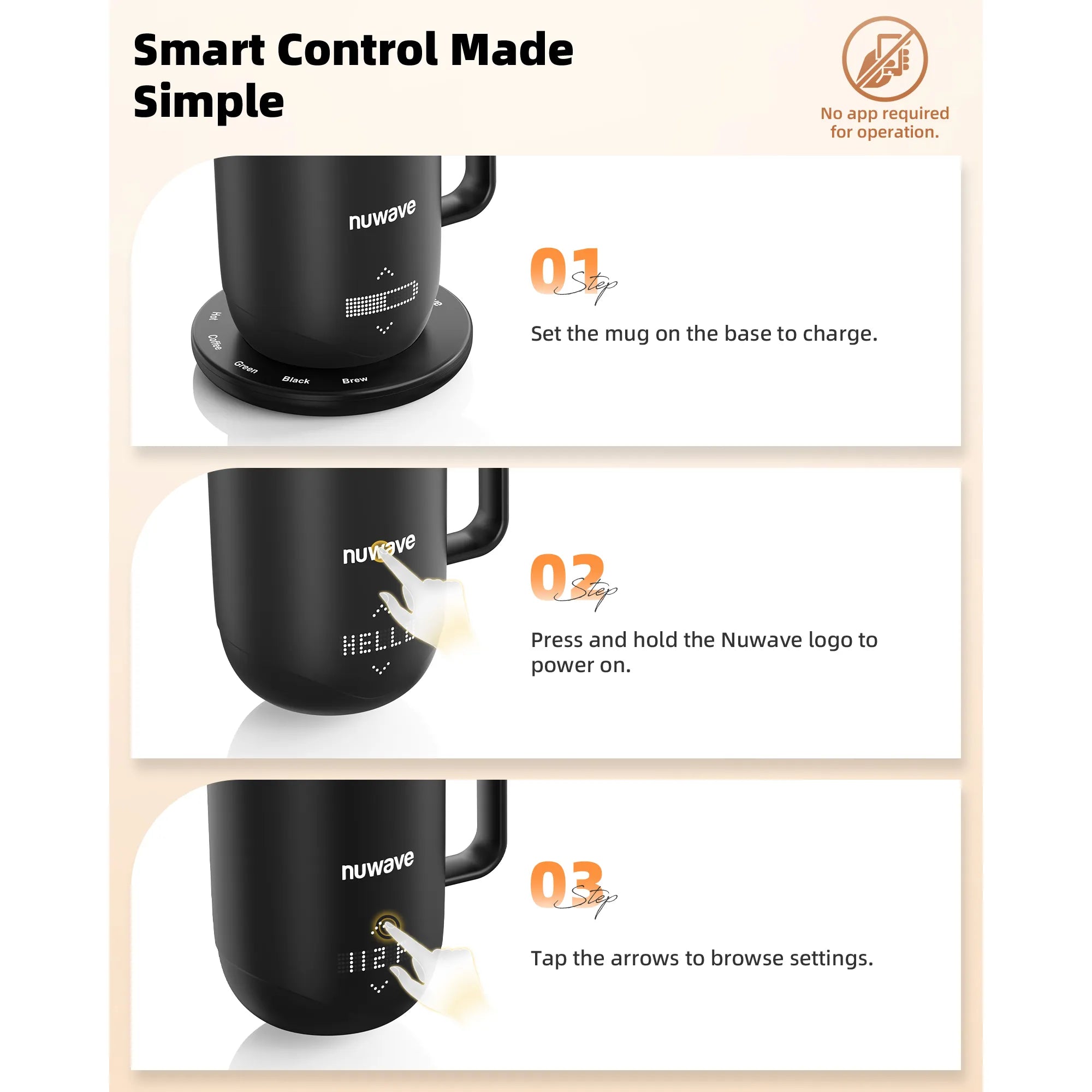
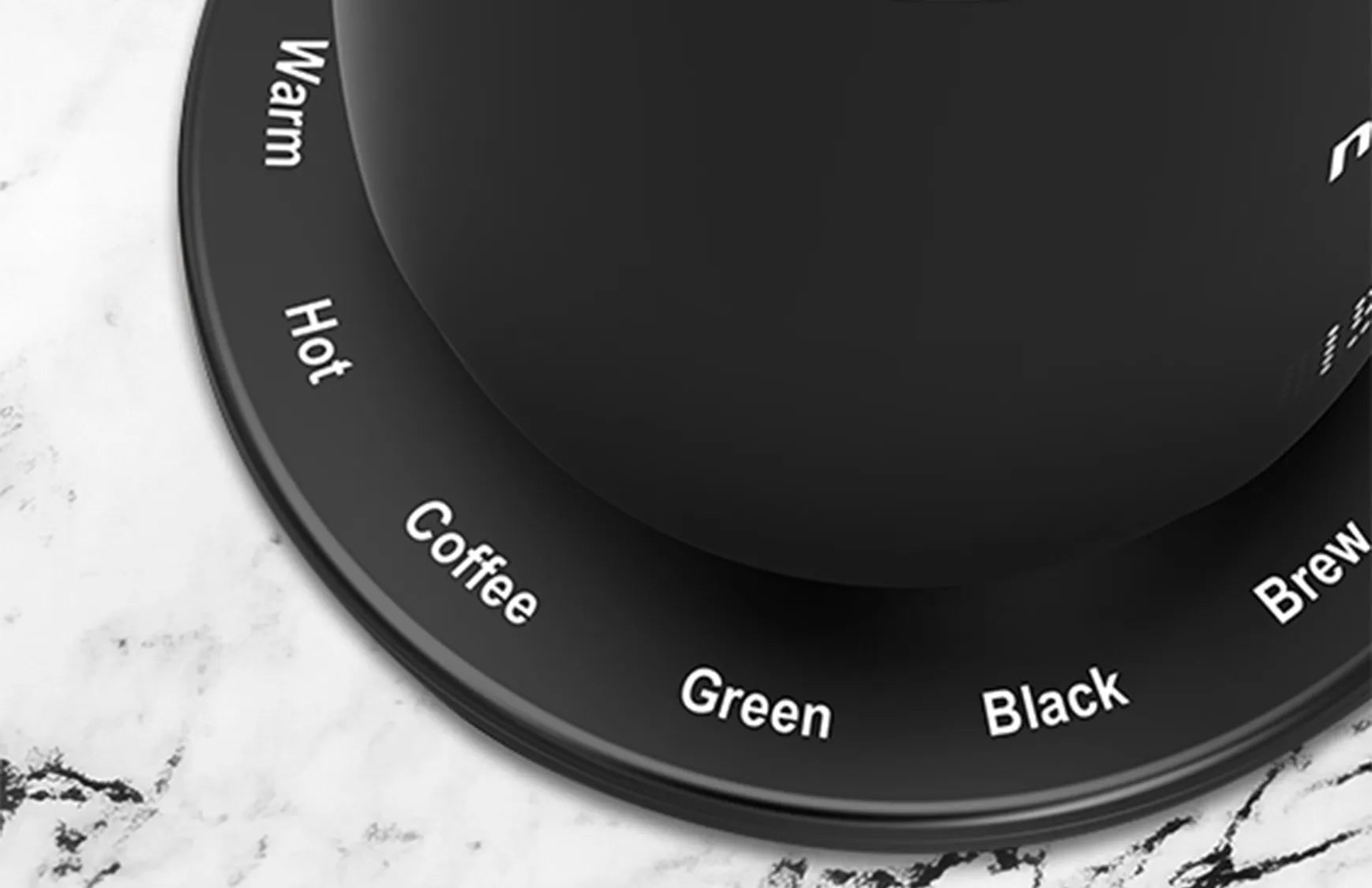
Use the Warm or Hot settings to keep your drinks at just the right temperature for the perfect sip, or select the Coffee, Green or Black settings to enjoy the perfect brew every time with the convenient Brew button.

Effortless Control, Clear Display
The soft-glow display clearly shows your temperature, timer, and battery life. The Mug even has a smart auto shut off feature that activates when no water is detected, protecting your Mug and preserving battery life.
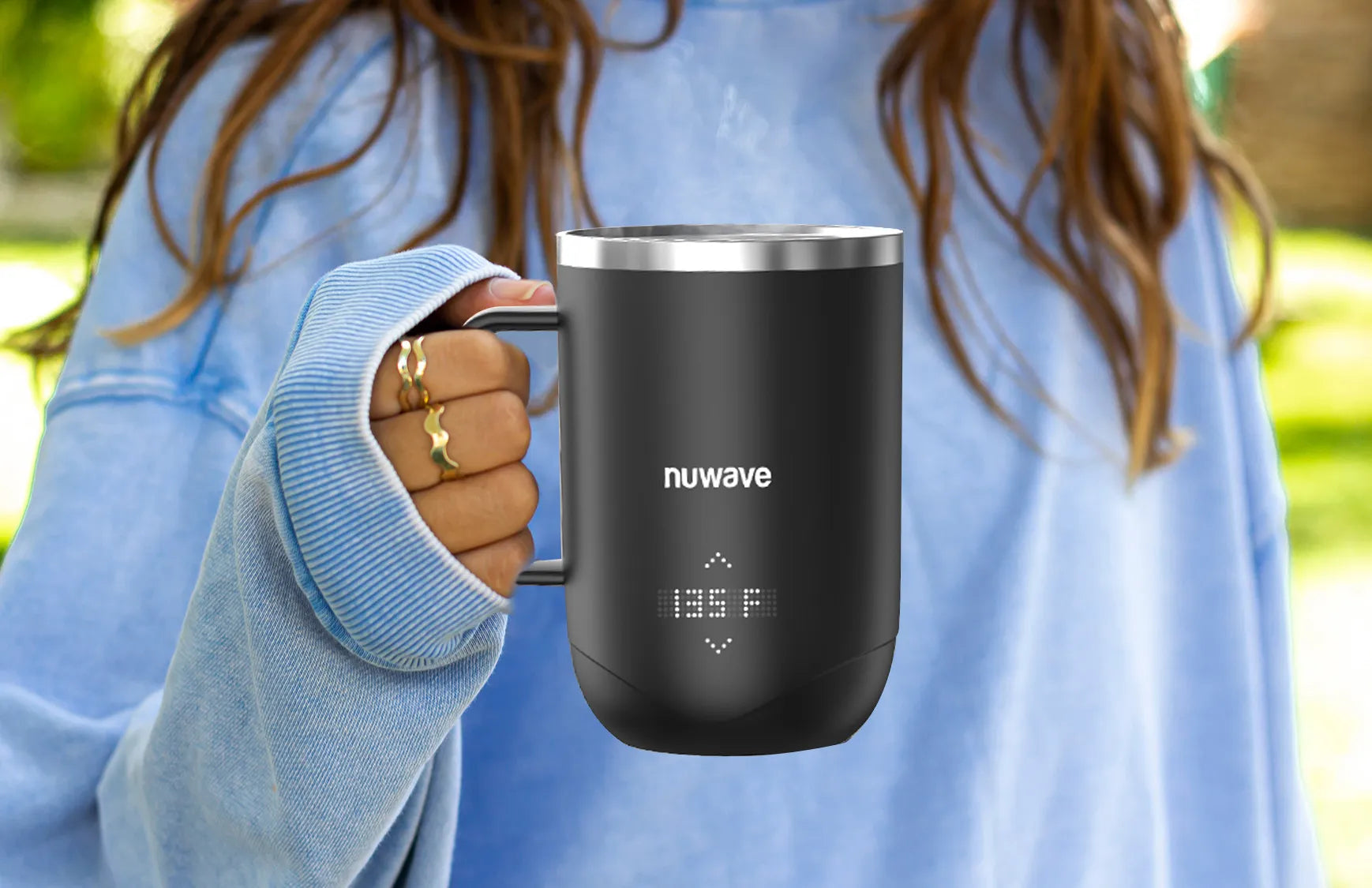
Heat That Moves With You
From early morning drop-offs to back-to-back meetings and late-night work sessions, your Smart Mug keeps every sip perfectly warm for over 5 hours at certain temperatures. No cords, no worries.
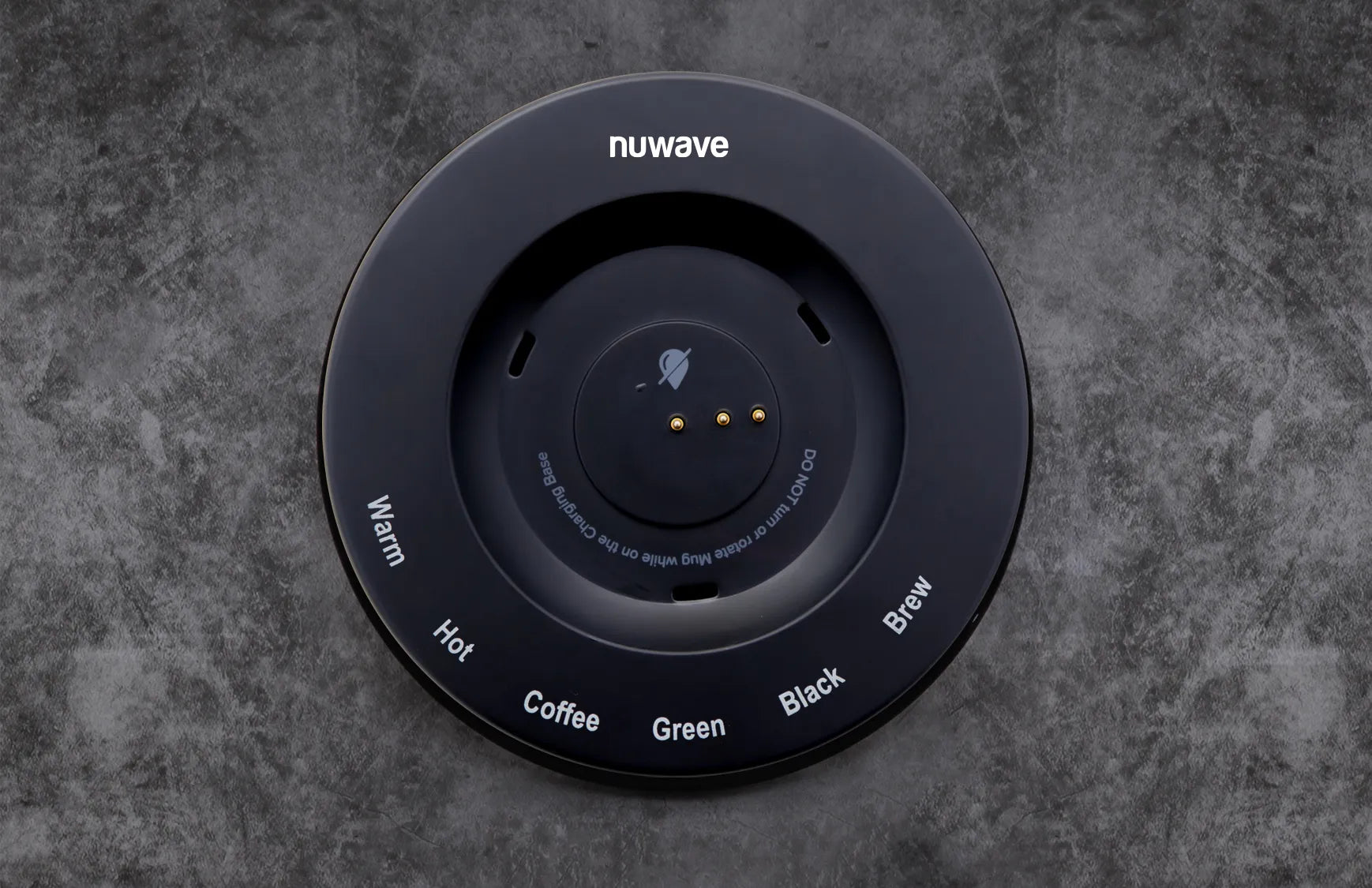
The Base That Does It All
Built for performance and peace of mind with a convenient USB-C plug, the low-profile base features intuitive brewing presets and a smart three-hole drainage design that redirects any water leaks away from the 3-point charger, protecting your mug and power source.
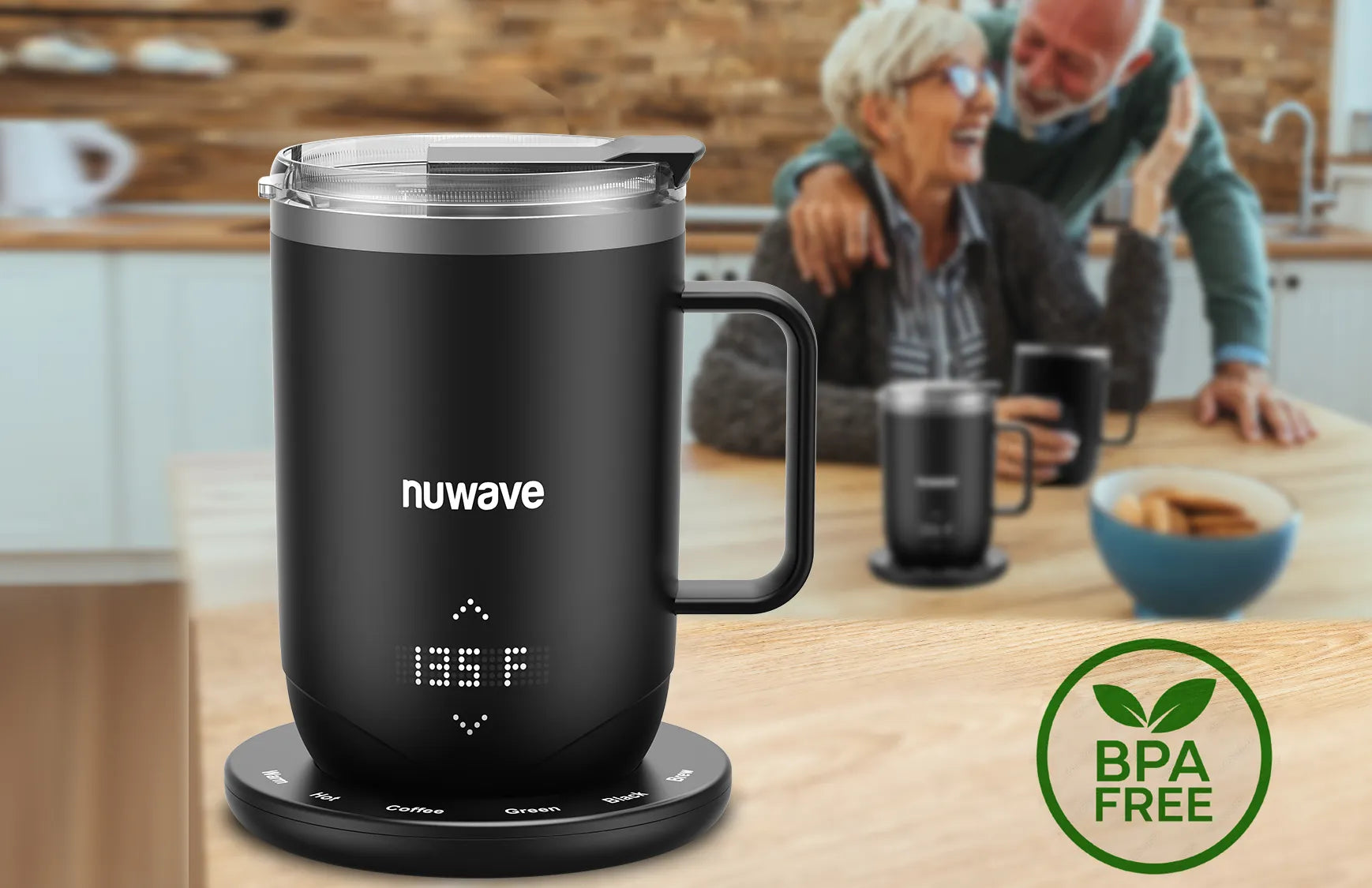
Crafted for Clean Sipping
From the vacuum-sealed, double-walled 18/10 stainless-steel interior rim and filter to the BPA-free Tritan lid, every detail is crafted for a cleaner sip, longer insulation, and a healthier experience that's free from unwanted flavors or leaching chemicals.
Meet the Nuwave Smart Mug

More Than a Mug Warmer,
It’s a Smart Brewer

Precise, Gentle Warming for Easier Digestion

No Microplastics. Just Flavor.
Everything You Need To Brew The Perfect Cup
Every detail is designed to enhance your daily ritual.
BPA-Free Tritan Lid
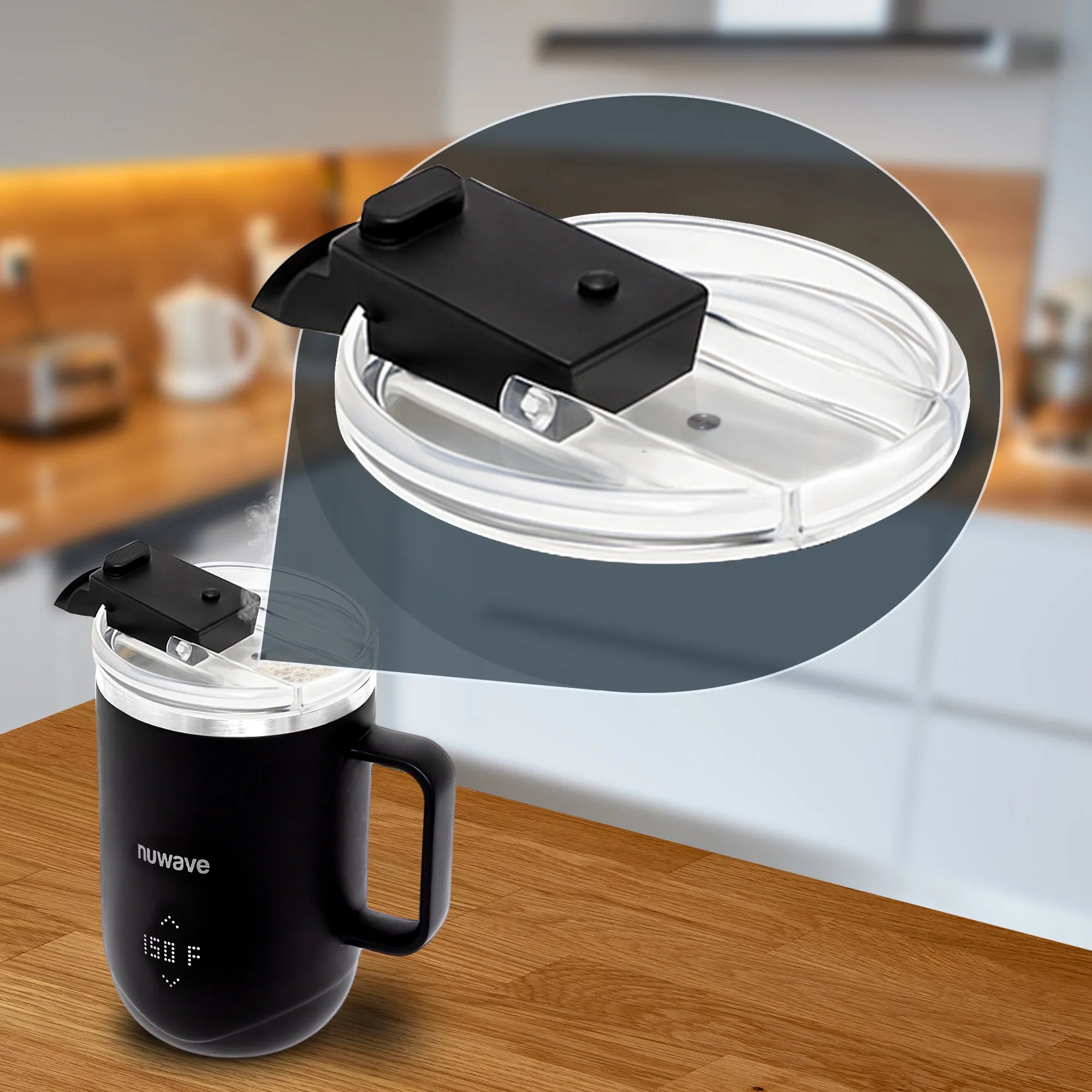
Lightweight and non-toxic, featuring a built-in steam vent that gently releases pressure to prevent buildup and keep every sip safe and smooth.
18/10 Stainless Steel Filter & Lid
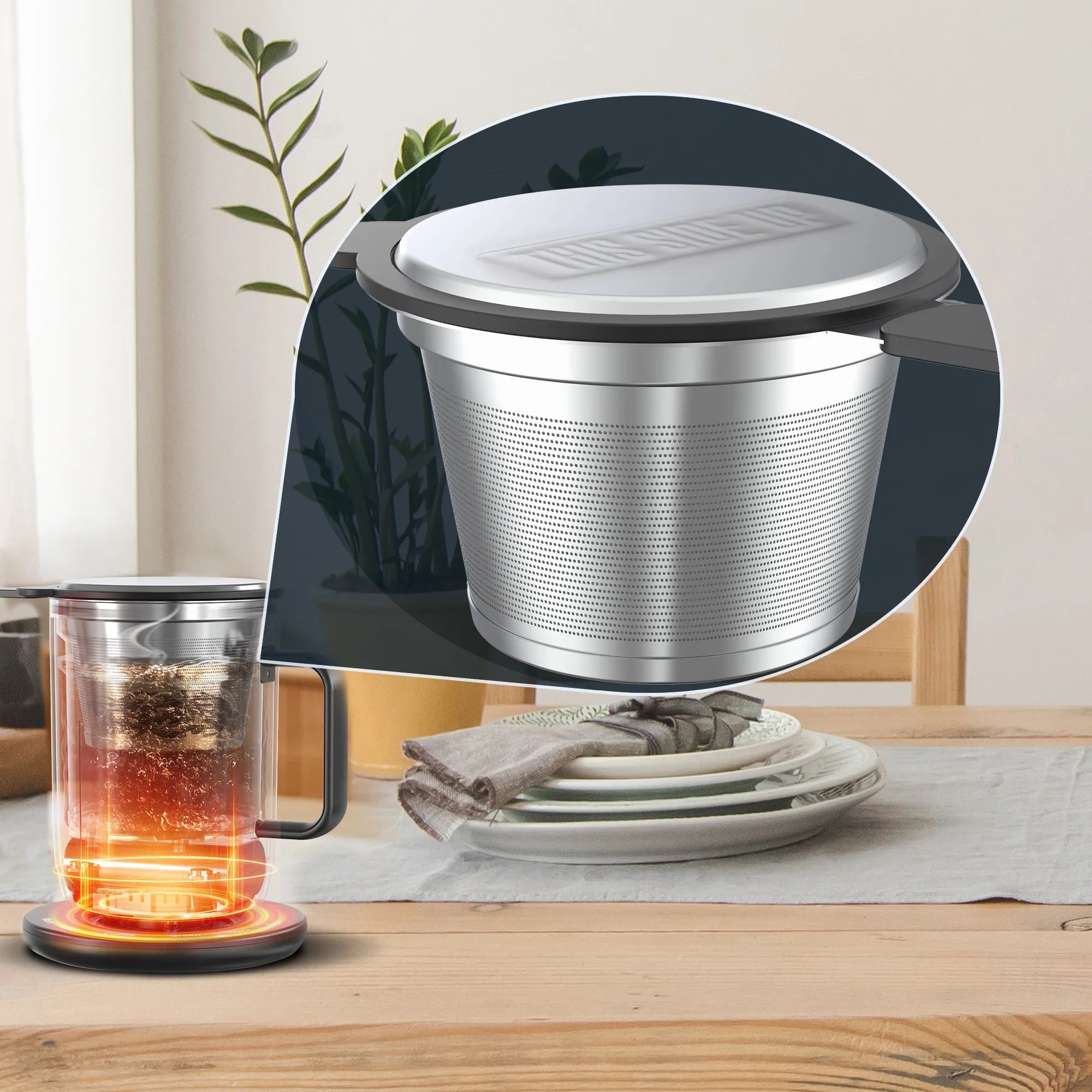
A reusable, double-layer filter system that preserves pure flavor without the need for wasteful paper filters.
USB-C Cable & Power Adaptor
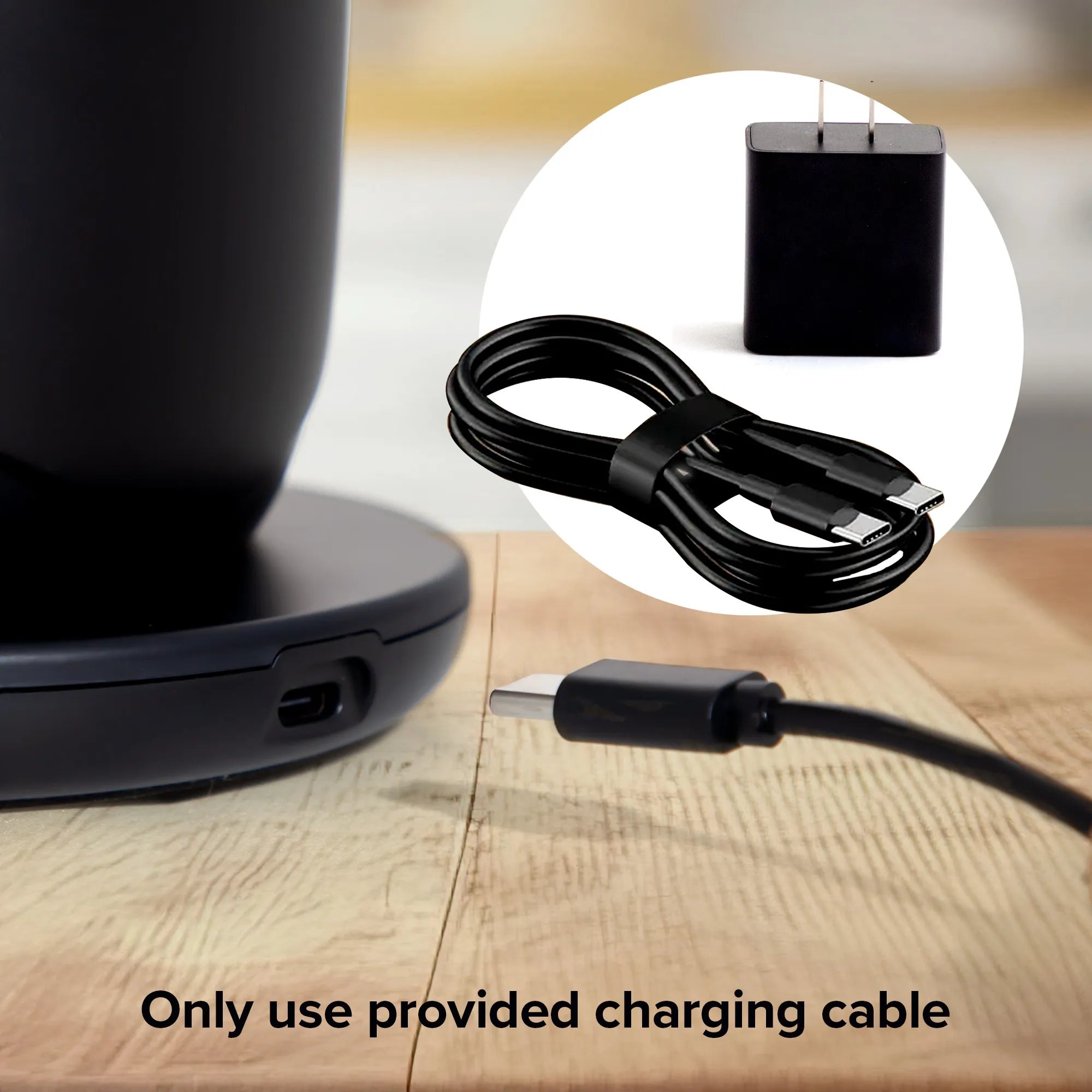
Fast, universal charging with a 6-foot length, plug the Charging Base into the USB-C or standard wall outlet for fast, convenient charging.
Effortless Maintenance

The lid, filter and filter lid are dishwasher-safe for easy cleanup and the mug itself is waterproof for quick rinsing.
Smart Mug Comparison Chart
Category
Nuwave Smart Mug
Ember
NextMug
Generic Mug Warmer
Category
Nuwave Smart Mug
Ember
NextMug
Generic Mug Warmer
Heating Power
25W
30W
10–20W
Battery Capacity
4,900 mAh (Samsung SDI Li-ion)
2,900 mAh
2,000 mAh
None
Construction
18/10 Stainless Steel (No Coating)
Coated Steel
Painted Steel
Ceramic
Base Type
3-Prong Smart Data Base
2-Pin
2-Pin
Fixed Plate
Auto-Detect “Empty” Function
Yes
No
No
No
Charging Method
AC + USB-C
AC Only
Proprietary
AC Only
Runtime Off Coaster
(Lid On at 135°F)
(Lid On at 135°F)
5-5.3 hrs
1.5–2 hrs
2.5 hrs
N/A
FAQ
Why isn’t my mug charging?
- Make sure the Mug is on the Charging Base correctly and the Charging Base is plugged in properly in the correct voltage.
- ⚠ Charging Base will NOT turn on if the Voltage is 5V or 9V.
- Make sure you’re using the original power cord and plug that came with your mug. Other USB-C cords or adapters may not provide enough power or may not meet the required specifications for the Charging Base.
Why isn’t my mug connecting to the Charging Base?
Sometimes there are statics on the bottom of the Mug or Charging base. Please use a dry paper towel to remove it.
Why isn’t my mug heating?
Please make sure there are enough liquid in the mug. If the Mug does not sense liquid, it will not heat.
Why is the temperature display off during brewing?
There are many different variables that alters the temperature display. The coffee grounds/tea leaves or the filter sometimes makes an impact in getting an accurate reading of the temperature.
Why isn’t the Charging Base turning on when I plug it into a power bank, laptop or the outlet in my car?
- These power sources typically provide 5V or 9V power output. The Charging Base requires a power source of at least 12V in order to charge the Mug.
- The Charging Base requires a stable power source. Use a Type-C outlet rated at 10.5V or a Type-C charger plugged into the cigarette lighter port (12V or 24V).
- Brewing inside your car while driving is not recommended.
Why do I see an E1, E2, or E3 error on my mug?
Please contact Nuwave Customer Service for assistance with any of these error messages.
Why won’t the “EMPTY” message disappear?
- Make sure there’s at least 3 oz of liquid in the mug.
- If there is liquid and the message still appears: Turn OFF the mug and let it cool. Thoroughly clean the inside of the mug. Add at least 5 oz of water and turn the mug ON again.
- If the issue continues, please contact Nuwave Customer Service.
Why do the last few sips feel hotter than the rest?
When the liquid level is very low (about 2 oz or less) and the lid is off, the mug may maintain heat more aggressively, causing the remaining beverage to feel hotter than expected. For best results, turn off the mug as you near the last few sips.
Watch the Smart Mug in Action
Customer Reviews